App makers · Product page optimization
My App Store screenshot test shows a 20% lift. Should I apply it?
Read the baseline, estimated lift and confidence status together. A worked example shows how four extra downloads can produce an impressive percentage while Apple is still collecting data.
GimmeTheSauce editorial ·
Open the Product Page Optimization results in App Store Connect and check the selected baseline, estimated relative lift and confidence label. A positive lift by itself is insufficient reason to promote a screenshot. If the status is Collecting Data, keep the decision open. Apple labels a treatment Performing Better or Performing Worse when its analysis reaches at least 90% confidence. Apple’s guide to interpreting test results
Translate the percentage into downloads
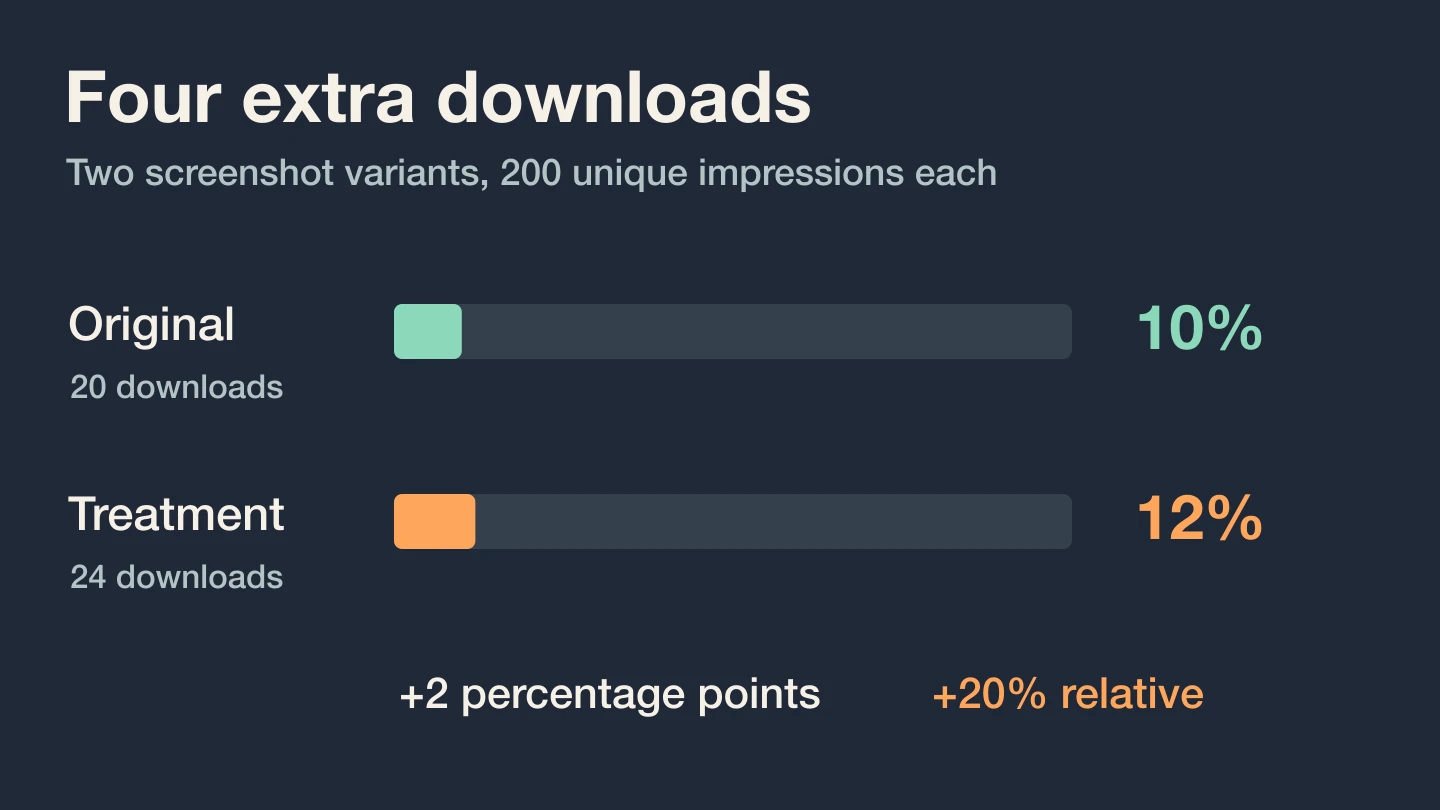
Suppose you change only the first screenshot of a mileage app. The original shows the dashboard. The treatment shows a completed mileage log ready to export. Here is an invented count for explaining the arithmetic. There are no preorders in this example.
| Variant | Unique impressions | Downloads | Raw rate |
|---|---|---|---|
| Original | 200 | 20 | 10% |
| Export screenshot | 200 | 24 | 12% |
The treatment produced four more observed downloads at the same volume. The raw difference is 12% − 10% = 2 percentage points. Relative to the original, the difference is 2 ÷ 10 = 20%. It would be a mistake to tell the designer that twenty extra people downloaded the app, or that next month’s downloads will definitely rise by one fifth.
Apple’s reported estimates incorporate prior information as well as test observations. These hand-calculated rates explain the units. You cannot reconstruct Apple’s confidence label from this small table, and the displayed estimated lift may differ from the raw 20%.
Make the decision the report supports
Collecting Data. Check that you are comparing against the intended baseline. Leave the treatment running if there is still time and relevant traffic. Avoid changing the second and third screenshots mid-interpretation. You want to learn whether showing the export earlier helps.
Performing Better. Inspect the winning creative again at phone size. Can a new user actually produce that export on the advertised plan? If so, applying the better treatment is a reasonable next step. Measure whether new users reach the promised result after installing. A result about downloads does not answer whether they keep the app. If you plan to request a rating after that first successful export, check where the user’s work actually ends and what StoreKit can report.
Likely to be Inconclusive. Apple uses this label when the current evidence suggests the test may not reach a conclusion within 90 days. Record what changed and the uncertainty. Keep the current creative if you lack a better reason to switch. For the next test, compare meaningfully different demonstrations of the customer’s job, such as starting a trip versus exporting a finished log. Apple’s test status definitions
Distinguish a test between treatments from a change in overall conversion across calendar weeks. If traffic came from different sources, inspect the source mix before blaming the screenshot. If the creative itself was rejected, audit the submitted screenshot set before interpreting a marketing result.
Bring the treatment, its reported status and a description of the first export to Alex Vech’s AI mentor for a screenshot experiment review ↗. A good next test has one visible change and an outcome you will recognize when it happens.