SaaS makers · Subscription price changes
How do I raise my Stripe price for new customers only?
Create a new recurring Price and point new checkouts to it. Rehearse both a first purchase and a legacy renewal so you can verify who will actually be charged the new amount.
GimmeTheSauce editorial ·
Create a second Stripe Price for the new monthly amount and use its ID for new purchases. Leave existing subscription items on the original Price. Stripe distinguishes the product you sell from the Price used to charge for it. For a different amount, its documented workflow is to create a new Price. Changing the product’s default does not rewrite a checkout integration that explicitly supplies the old price ID. Stripe’s guide to managing prices
Follow one new purchase and one renewal
Suppose you sell a single-seat scheduling plan for $12 a month and decide to charge future customers $18. Both prices are in USD with the same monthly interval. There are no trials, discounts, taxes or prorations in this example.
In a sandbox, keep one existing subscription on the $12 Price. Create the $18 Price under the same product, then change a test checkout to use it. Check the following outcomes before touching the live purchase path.
| Path | What to inspect |
|---|---|
| New customer opens the pricing page and buys | The page, checkout and resulting subscription agree on $18 per month and quantity one. |
| Existing customer takes no action | Their subscription item still uses the $12 Price and the next invoice preview shows the $12 recurring line. |
| Existing customer opens the portal or follows an old payment link | They see the options you intended. A stale purchase path cannot accidentally sell the legacy offer to a new customer. |
| A former customer comes back | Decide whether the promise covers reactivation or just uninterrupted subscribers. Rehearse the behavior you actually advertise. |
Inventory every purchase entry point, including sales links and older pricing pages. Archiving a Price prevents its use for new purchases while existing subscriptions using it stay active. Review affected payment links before archiving and replace links customers still need. Use the live-mode IDs when you switch the live checkout. Stripe’s price archiving behavior
Reconcile the first month
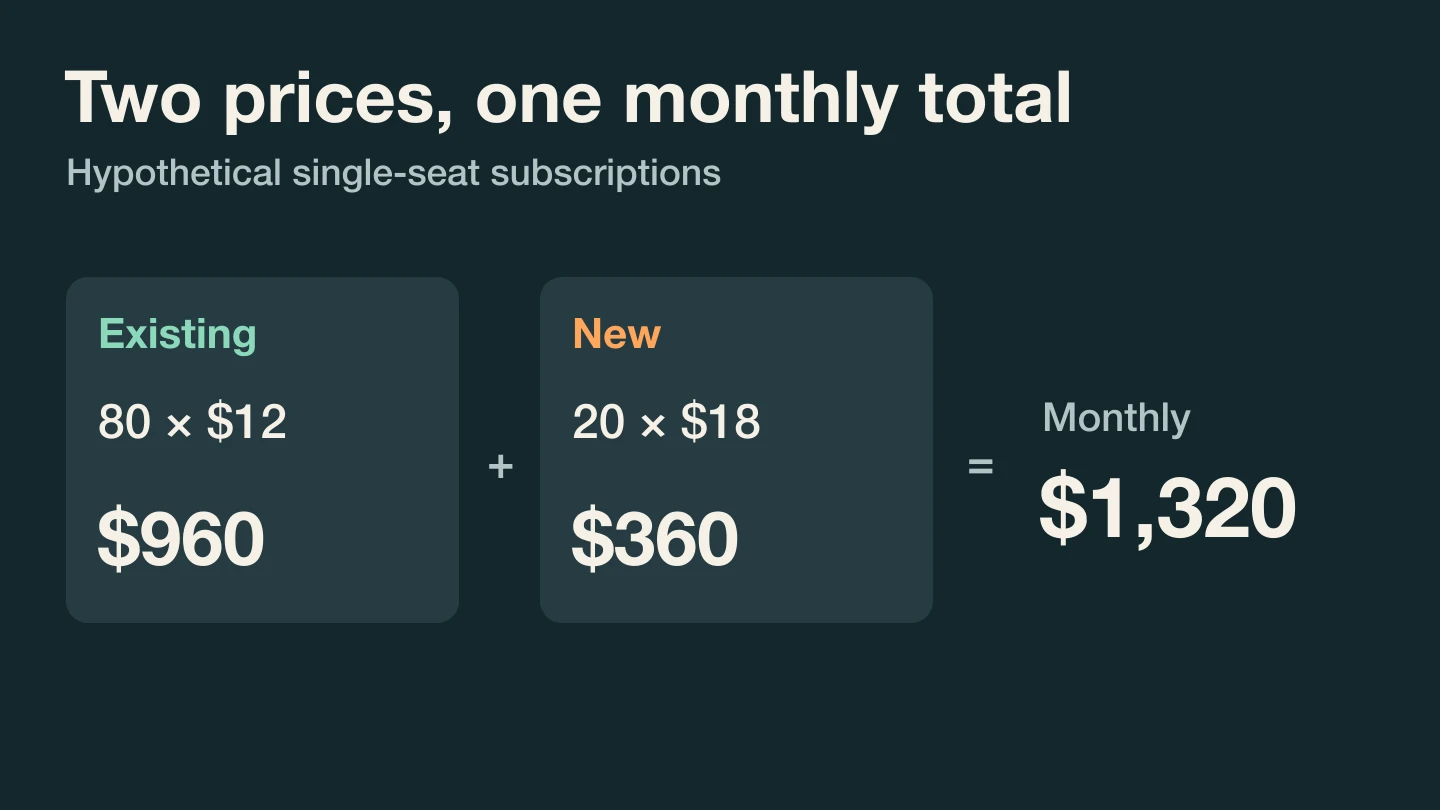
Assume 80 existing accounts remain at $12 and 20 new ones start at $18. The monthly recurring charges are 80 × $12 + 20 × $18 = $1,320. Charging everyone $18 would give $1,800, an overstatement of $480. With the same 100 accounts all at $12, the total would have been $1,200. Under those fixed counts, the increase contributes $120 per month.
That calculation describes contracted charges in this example. Collection dates, failed payments, refunds and how many people buy at $18 determine what you actually collect. If you are still choosing a price or billing period, compare annual and monthly offers over the same customer horizon.
Decide whether anyone should migrate later
Moving an existing subscriber is a separate billing change. Stripe’s subscription update guide explains how to replace the existing subscription item and how prorations can arise. Adding a new item instead of replacing the intended one can leave two items billing. A new-customer-only launch requires no migration of those 80 subscription items. Stripe’s existing subscription change guide
Bring your checkout list, renewal preview and reactivation promise to Marc Louvion’s AI mentor to rehearse the pricing change ↗. After release, inspect the first real new subscription and a legacy renewal against the same two expected amounts. A correct homepage price proves only the first step.